May 2025 issue
Your Wi-Fi might be costing you more than you think
If you’ve ever felt the urge to smack your Wi-Fi equipment with a baseball bat, this month’s issue is for you.
I’ve seen companies where each employee was losing 30 to 60 minutes of work time every day because their Wi-Fi was barely holding on.
For a team of 24, that’s like paying a salary for three full-time people that do nothing but stare at loading screens.
Most businesses don’t realize how much money and frustration this kind of tech slowdown creates.
But don’t worry… today you’ll learn how to fix that once and for all.
You’ll also discover a one-click solution to cut down on password resets, a Gmail update that’s making headlines, and how to prep your team against phishing attacks.
So grab your favorite beverage of choice, get comfy, and let’s dig in.
THE BIG IDEA
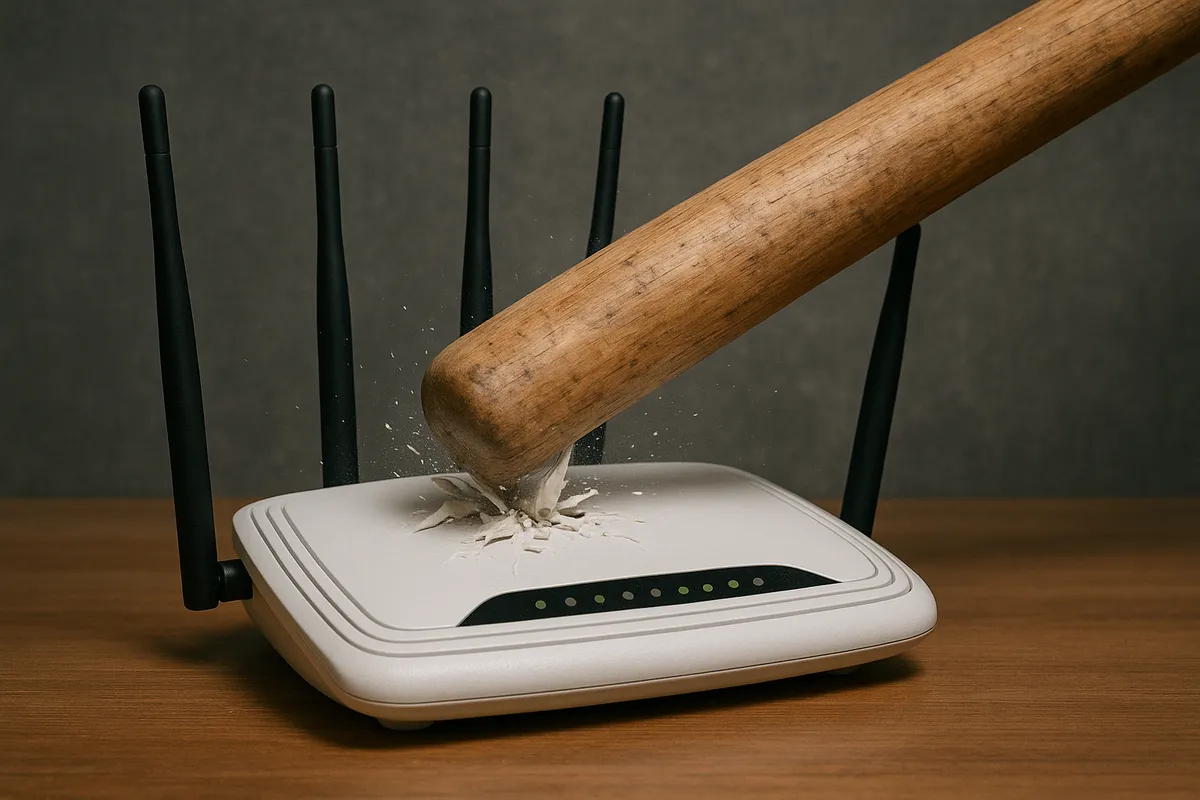
Your Wi-Fi Might Be Costing You More Than You Think…
No one budgets for “Wi-Fi rage,” but maybe they should.
Every time someone stares at a frozen Zoom screen, waits for a file to upload, or walks across the office to get closer to the signal, your business is wasting time and money.
Most people chalk it up to tech being tech… Mildly annoying, and not worth fixing.
That’s a mistake.
Bad Wi-Fi might not show up on a balance sheet, but it does affect your bottom line.
One person losing 30 minutes a day doesn’t sound like much. Multiply it by your whole team and you’ll find dozens of hours going nowhere.
Hours that YOU are paying for, week after week, month after month😬
Here’s where to start fixing it:
First, check your Wi-Fi Access Point’s location.
If it’s on the floor, behind a cabinet, or buried in a server closet, move it.
Wi-Fi needs open space.
Ideally, raise it up and place it somewhere central.
Think ceiling or shelf height. The fewer walls between your people and the signal, the better.
Next, check how old your Wi-Fi Access Point is.
If it was installed before 2020, it’s probably underpowered for how you work now.
Look underneath it, or on its back, and you should see a sticker with the model number. Google that to find out the year.
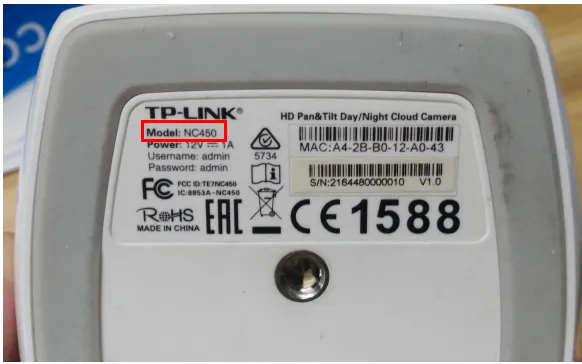
If it doesn’t support Wi-Fi 6, it’s time to upgrade.
You don’t need to break the bank, but you also don’t want the $150 Access Point used by middle-school kids to play video games😉
After that, check how many devices are connected.
It’s probably not just your staff’s laptops/computers.
It’s also smartphones, old printers, tablets, smart TVs in break rooms, and maybe a dusty backup PC no one uses but is still online.
Every one of these eats bandwidth🫠
If you’re not sure what’s what, unplug the non-essentials and see if things improve.
If you want to go further, split your network into two frequency bands.
Many Access Points let you run a 2.4GHz and 5GHz band at the same time. Use the 5GHz band for laptops, phones, and video calls. Use 2.4GHz for anything else.
This reduces interference and gives modern devices a cleaner runway.
Last, run a speed test.
But do it from the farthest corner of the office.
If your download speeds drop by more than 50% compared to a test near the Wi-Fi Access Point, your coverage is uneven.
This doesn’t mean you need more speed from your internet provider.
You just need better signal inside your space, which can be easily achieved with a Wi-Fi extender or multiple Access Points.
You don’t have to do it all today, but if you’ve had Wi-Fi problems before… please don’t ignore it.
There’s no point in your team being stuck with slow internet, when there could be an easy fix.
If you’d like an Engineer to come and do a complimentary Wi-Fi Audit of your office, reach out and let me know.
THE TECH TIP
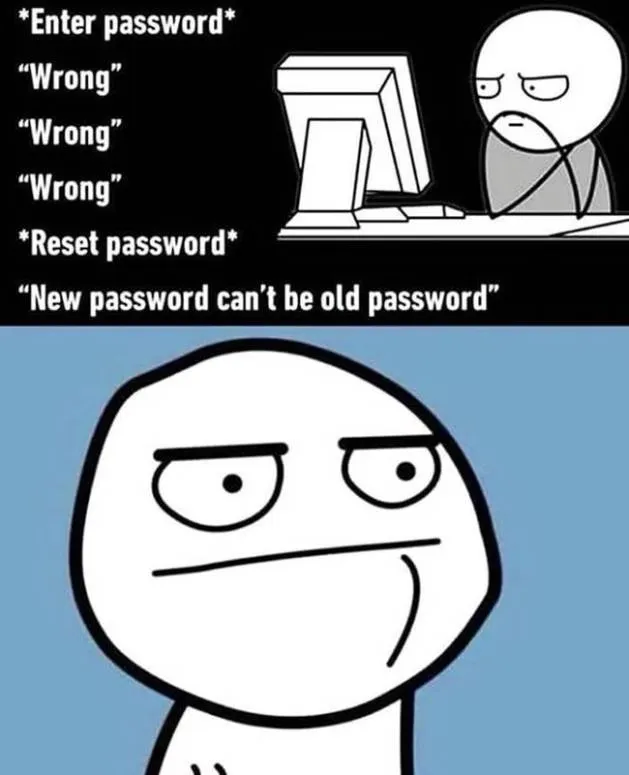
There’s nothing quite like resetting your password every few weeks, only to get told you can’t reuse your last password… which, of course, was the one you just typed in 😅
Besides driving you slightly insane, it’s also a security risk. Recycled passwords are hacker candy. Once one gets leaked, the rest go down like dominoes.
If you’re not currently using an Enterprise Password Manager, speak with your IT team today. Don’t have one? We can help!
THE LATEST NEWS
💻 Microsoft Teams terminated Skype.
RIP to a 22-year-old platform. Microsoft is officially phasing it out, and all users are being pushed toward Teams instead.
🤖 Amazon made a robot with a sense of touch.
Amazon has unveiled Vulcan, its first warehouse robot equipped with tactile sensing, allowing it to handle approximately 75% of items with human-like dexterity. We’re an awkward handshake away from the Singularity.
📩 Gmail’s AI can now read entire email threads.
It’s designed to help you respond faster by understanding context, tone, and intent across multiple messages. Helpful or invasive? Decide for yourself.
THE INTERESTING STATISTIC

The typical financial loss of these attacks averaged $150,000 per incident 😦
That’s nearly 2 out of 3 businesses getting nailed by a fake email pretending to be something it’s not.
A shipping update, a password reset, a message from “Microsoft” that wasn’t actually from Microsoft.
Phishing emails are so high-quality lately, they don’t look like spam anymore.
They look like normal messages your team sees every day.
That’s also why they work so well.
All it takes is one wrong click, and some random hacker is in your inbox, poking around your files, or locking down your system until you pay to get your access back.
The best defense against this is teaching your team what to click, what to ignore, and how to sharpen their “cybersecurity instincts”.
If you’re unsure about how to do that, schedule a free “Better Safe Than Sorry” call with our team. We’ll walk you through it, step by step.
THE GADGET OF THE MONTH
Most presentations are painfully boring 🥱
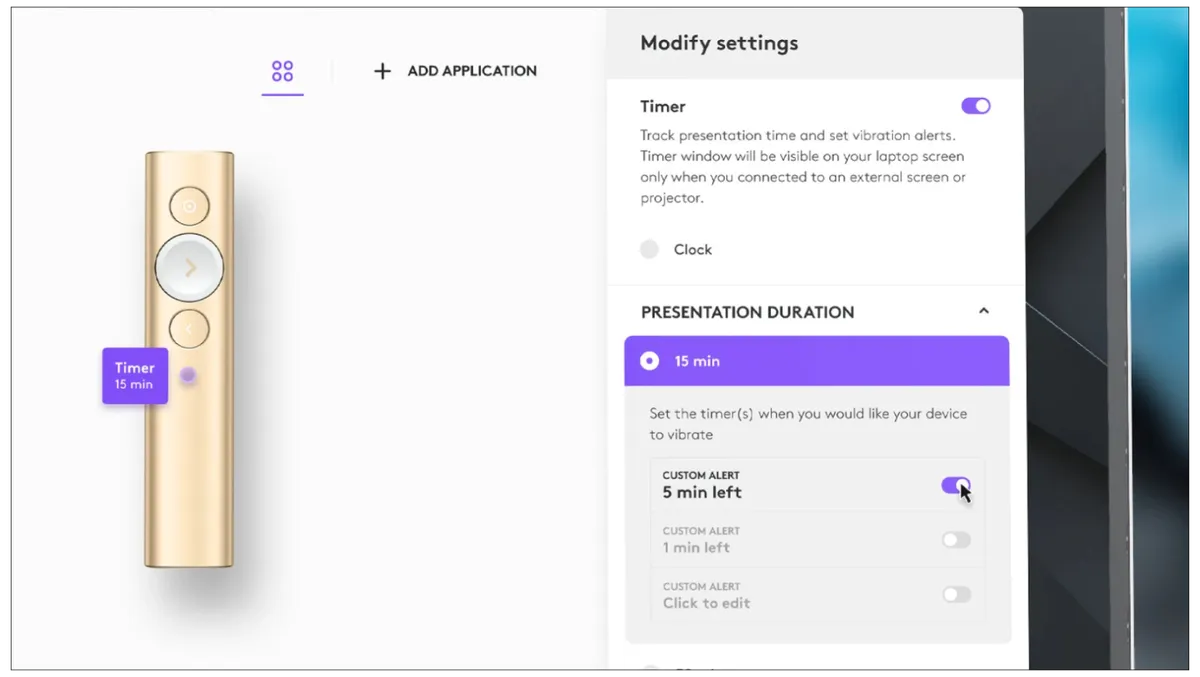
If you’re in a position where you have to give a lot of them, this Logitech Spotlight Presentation Remote will at least keep you and your viewers awake, and hopefully entertained.
It lets you highlight parts of your slide, zoom in, add gesture controls, and it even vibrates in your hand when you’ve monologued for too long.
It works both virtually and in person, with a range of up to 100 ft (30 m), so you can dramatically pace across the room if that’s your thing.
This thing came in super handy for me recently during our baby shower! Made showing off the slideshow so much easier. Highly recommended!
THE BOOK OF THE MONTH

If you’re better at building a business than building habits…
Atomic Habits by James Clear shows you how to rewire your behavior and build lasting momentum using a simple, repeatable system that actually works in real life.
In just 5 minutes a day, you can improve how you lead, work, and follow through, even when you’re busy putting out fires.

DID YOU KNOW?
Bluetooth is named after Harald “Bluetooth,” a 10th-century Viking king.
He got the nickname thanks to a dead tooth that had turned a dark blue color. He also united Denmark and Norway in 958, but his tooth got more attention.
Thanks for reading!
My team and I put this newsletter together to share tech advice that’s actually useful, and (hopefully) even fun to read!
When we’re not writing these, we’re helping businesses like yours become more secure and stay productive without all the tech headaches.
If you ever need a professional opinion on anything IT related, simply reach out and let me know.
We’re here to help 🙂