
November 2026 issue
What could your Wi‑Fi reveal about you?
Your Wi-Fi probably gets your attention when it’s slow or stops working. But some newer features raise privacy questions that are easy to miss when all you want is a good connection.
This month, we’ll explain how those features work and what to check before you use them. You’ll also find a handy Word tip and a look at why it’s getting harder to tell who’s behind what you read online.
So grab your favorite beverage, get comfy, and let’s dig in.
THE BIG IDEA

Your Wi-Fi can detect movement without a camera
Your Wi-Fi router may have a feature you’d never think to look for. With compatible devices and the right software, it can detect movement in a room without using a camera.
It’s called Wi-Fi sensing.
As radio signals travel between connected devices, they bounce off objects, and your movements change the way those signals reach their destination.
The software measures those changes to detect activity.
Some internet providers already offer this through their apps, allowing you to receive motion alerts or look back through a history of activity.
Depending on the product, those records may stay on the device or be uploaded to the provider’s servers.
But those records can tell people more than you intended to share.
Someone with access to that history could spot patterns over time and work out parts of your routine, such as when you usually get home or when your office is likely to be empty.
What it can detect varies.
A basic motion-sensing system doesn’t necessarily identify who moved or their exact location, and the building’s layout can affect how accurately it detects activity.
The feature also requires supported equipment, so having Wi-Fi alone doesn’t mean it’s available or enabled.
Before you agree to use it, make sure you’re comfortable with what’s recorded and who can see it.
Check whether it’s enabled
Look for features labelled Wi-Fi sensing or motion detection in your internet provider’s app, or in the app that controls your connected smart devices. If you don’t need it, follow the product’s instructions to switch it off.
Find out where the records go
Check whether activity data stays on the device or goes to the provider’s servers, along with how long it’s kept. Read the sharing policy too. It should explain when the provider may disclose that information to others.
Review who has access
Check who can access the associated app or account, and remove anyone who no longer needs access to it. And if you use sensing in a shared space, tell the people using it what’s being recorded.
If you’re unsure whether your router or connected devices support Wi-Fi sensing, reply and we’ll help you check the settings. We can also review who has access to any activity records.

THE TECH TIP
Spot edits in a returned document
In Word for Windows, select Review > Compare > Compare and choose both versions. Word shows what changed, even without Track Changes.
THE LATEST NEWS
☎️ Microsoft adds an AI receptionist to Teams Phone
Microsoft made Teams Phone Agent generally available on September 30. It can answer common questions and transfer callers to the right person, along with a summary so they don’t have to explain everything again. If your team spends a lot of time answering routine phone enquiries, ask us whether it would work with your phone setup. It’s designed for businesses using Teams Phone and isn’t supported in India.
🤖 Meta’s Muse can now work with your business apps
Meta added small-business features to Muse, its AI assistant, including connections to QuickBooks and Shopify. You can ask it to review your monthly financial results or draft a marketing campaign using information from your connected accounts. And it needs your approval before publishing content or spending money. For now, Muse is available in the US and Canada.
🎧 Listen to a summary of your documents in Acrobat
Adobe announced new Acrobat features that turn documents into audio summaries or podcast-style conversations. You could use them to catch up on a lengthy industry report during your commute, then check the original for details that affect a business decision. These features require an eligible paid Acrobat plan.
THE INTERESTING STATISTIC

More than half of web traffic comes from bots
Thales’s 2026 Bad Bot Report found that bots generated 53% of the web traffic it analysed in 2025. Some collect information for search engines, while others are used for fraud.
A convincing social media profile can be automated, and a photo that looks real may have been generated by AI.
AI can also write convincing reviews or invent personal stories, making it harder to tell whether someone’s describing a genuine experience.
Keep that in mind when something online asks for your trust. Before sharing a claim or acting on advice, check who’s behind it and whether a reliable source backs it up.
THE GADGET OF THE MONTH

If dry air bothers you at work, Canopy’s portable humidifier can help you feel more comfortable at your desk. It’s small enough to take home, too.
The battery lasts up to 11 hours on the lowest setting, so you can leave it running while you work without keeping it plugged in.
You’ll need to clean it regularly, but the tank and cap can go in the dishwasher, leaving the base to wipe by hand.
THE BOOK OF THE MONTH
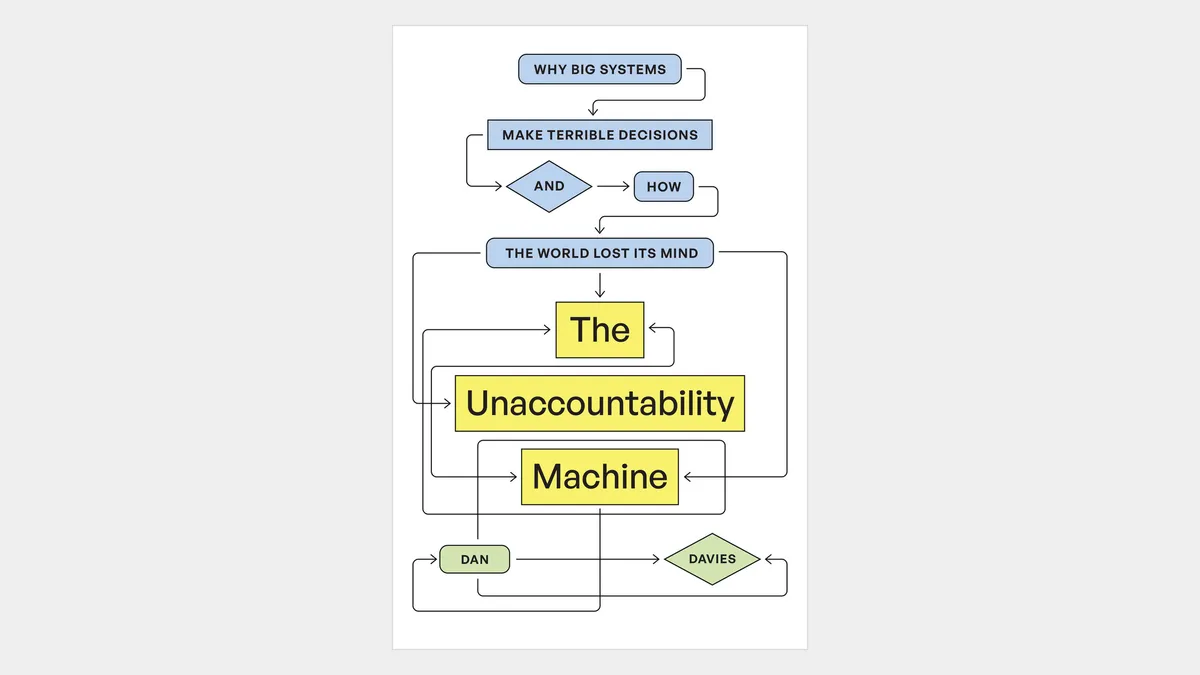
In The Unaccountability Machine, Dan Davies explains how organisations make bad decisions when responsibility gets buried in rules or software.
You’ll recognise the frustration of hearing “the system won’t let us” from someone who agrees there’s a problem but can’t fix it.
As you automate more decisions in your business, someone still needs the authority to correct mistakes. That could mean letting a member of your team override an automated response, so a customer with a genuine problem can get help.

DID YOU KNOW?
In 1966, NASA’s Lunar Orbiter 1 carried its own automated photo lab.
After taking pictures of the Moon, it processed the exposed film onboard and sent scanned copies back to Earth by radio, so the film didn’t need to come home.
Thanks for reading!
My team and I put this newsletter together to share tech advice that’s actually useful, and (hopefully) even fun to read 🙂
When we’re not writing these, we’re helping businesses like yours become more secure and stay productive without all the tech headaches.
If you ever need a professional opinion on anything IT related, simply reach out and let me know.
We’re here to help 🙂