November 2025 issue
The 3-2-1 Rule for Protecting Your Data
In the world of business technology, there are few things more critical than your data. And yet, many business owners rely on a single, often vulnerable, system to protect their most important asset: their backups.
Today, we’re unpacking a core principle of data protection: the 3-2-1 backup strategy.
You’ll learn exactly why a single backup is a recipe for disaster and how to build a resilient data safety net.
But that’s not all. We also cover:
-
The alarming number of productive hours your slow hardware is costing you annually.
-
The rise of “Agent Mode” AI that can buy products and run complex analyses autonomously.
-
A classic psychology book that helps you master decision-making.
So grab your favorite beverage of choice, get comfy, and let’s dig in.
THE BIG IDEA
💾 The 3-2-1 Rule: How to Keep Your Data Safe and Avoid Costly Losses
For most businesses, data protection goes like this: You save your files, they get copied to an external drive or a cloud service once a day, and you never think about it again.
That approach is fatally flawed.
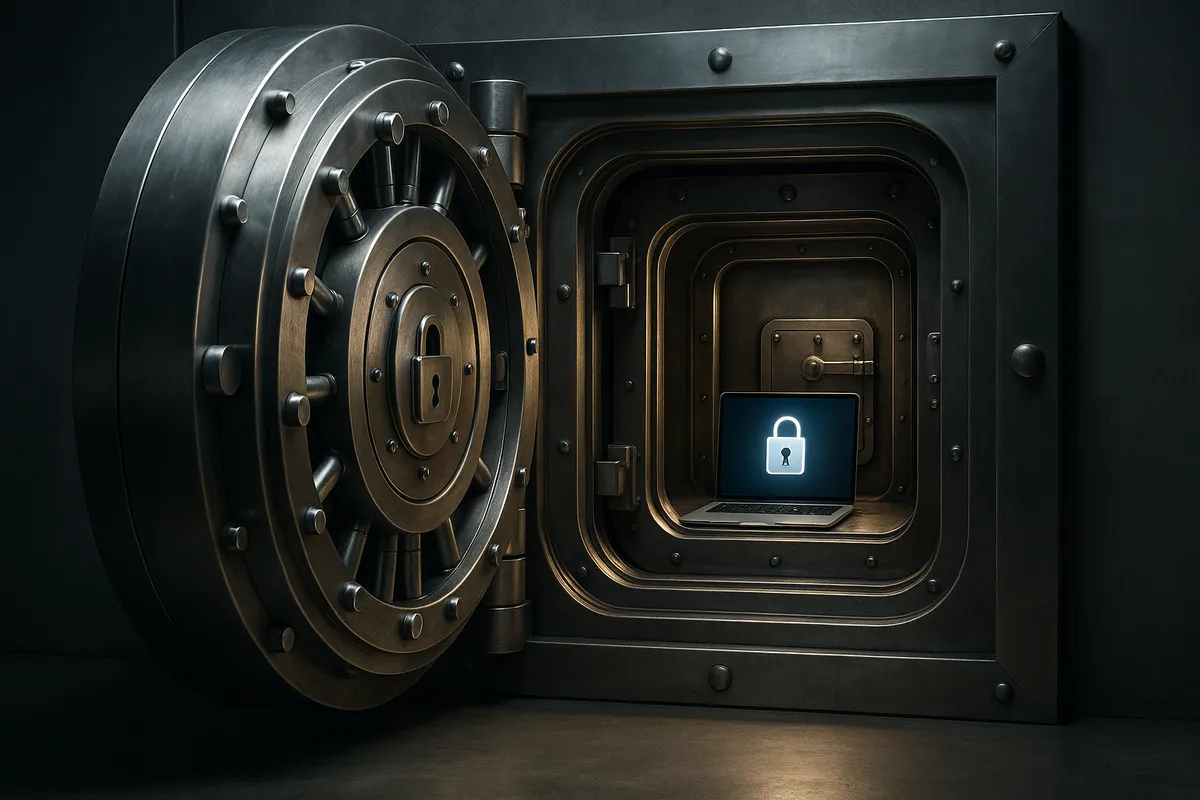
If your data and your backup are in the same physical location, you don’t have a backup. You just have two copies that can be lost at the same time.
This single point of failure, the dependence on one device or one location, is how businesses go under after a disaster.
A fire, a flood, a local ransomware attack that encrypts every drive connected to your network, or even a simple power surge… any of these can wipe out both your primary system and your backup simultaneously.
That’s why the 3-2-1 Rule is the gold standard for data protection.
It’s a simple, non-negotiable principle that creates redundancy, ensuring that no single disaster can take down all your data.
The 3-2-1 Backup Strategy
The rule is straightforward and easy to remember:
-
3 Copies of Your Data: This includes your original production data (the files you work with every day) and at least two separate backup copies.
-
2 Different Media Types: Store your two backup copies on at least two different types of storage media. This could mean a local external hard drive, a network-attached storage (NAS) device, tape drives, or a cloud backup service. The key is to avoid having them all on the same type of technology, which might share the same failure mode.
-
1 Offsite Copy: Keep at least one copy of your backups stored offsite (away from your office). This is the critical line of defense against physical disasters like fire, theft, or local ransomware that could spread across your network. A cloud backup service is the most common and simplest way to satisfy the 1 offsite requirement today.
The Cost of Cutting Corners
What happens if you ignore the 3-2-1 Rule?
-
Ransomware: The latest ransomware is designed to seek out and encrypt local backup drives before it locks your main files. If your backup is just an external drive plugged into your server, it will be encrypted right alongside your primary data, leaving you no option but to pay the ransom.
-
Hardware Failure: A server hard drive fails. You reach for your local backup drive, only to find its power supply failed last month, and you didn’t notice. Now you’ve lost both.
-
Human Error: A staff member accidentally deletes a critical folder. You restore it from the local backup, only to discover that the backup job had been failing for three weeks. The offsite copy becomes the only thing that saves you.
What You Can Do This Week
If you’re relying on a single backup, it’s time to fix it.
-
Audit Your Current Backups: Where does your data live? How many copies do you have? If the answer is one, you have work to do.
-
Activate an Offsite Strategy: If you’re only backing up locally, immediately sign up for a reputable cloud backup solution. This is the single most important step in protecting against physical disaster or ransomware.
-
Test Your Restore Process: A backup is useless if you can’t restore from it. Test pulling a critical file from your backup to ensure the data is intact and the process works quickly. If you can’t get your business back online in an hour, your backup plan isn’t good enough.
If you want peace of mind knowing your data is protected with this gold-standard strategy, we can set up, manage, and monitor your 3-2-1 backups for you. Just reach out and let us know you need help.
THE TECH TIP
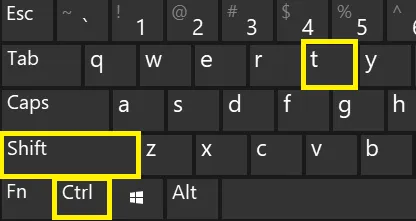
Instantly Restore Your Last Closed Tab
Accidentally closed a critical browser tab? Stop digging through your history!
In any major browser (Chrome, Edge, Safari, etc.), hit Ctrl + Shift + T (Windows) or Command + Shift + T (Mac) to re-open the last tab you closed. You can repeat the command to resurrect multiple tabs in reverse order.
THE LATEST NEWS
🛍️ OpenAI Launches ‘Buy it in ChatGPT’ for Instant Checkout
OpenAI has launched “Instant Checkout” powered by the Agentic Commerce Protocol, allowing users to buy products directly within ChatGPT. This moves AI beyond product recommendation to handling the secure, multi-step purchase process itself. This marks a major step toward agentic commerce, where the AI acts as a true personal shopping agent.
🤖 Microsoft Copilot Gets Smarter with ‘Agent Mode’
Microsoft introduced Agent Mode and Office Agent in Microsoft 365 Copilot, focusing on “vibe working.” This new capability uses advanced reasoning models to let Copilot orchestrate multi-step tasks in Word and Excel autonomously. You can now prompt Copilot with complex requests like “Run a full analysis on this sales data,” and the agent will evaluate, generate, and verify the resulting spreadsheets or documents.
🚨 UK Government Guarantees £1.5B Loan to JLR After Cyber Attack
The UK Government announced a £1.5 billion loan guarantee for Jaguar Land Rover (JLR) to stabilize its supply chain following a recent, major cyberattack. The government-backed loan is intended to bolster JLR’s cash reserves, allowing it to support the smaller businesses and SMEs in its supply chain that were severely impacted by the production shutdown. This massive intervention underscores the national economic risk posed by sophisticated cyber incidents.
THE INTERESTING STATISTIC
Slow Hardware is Costing You Weeks of Productivity
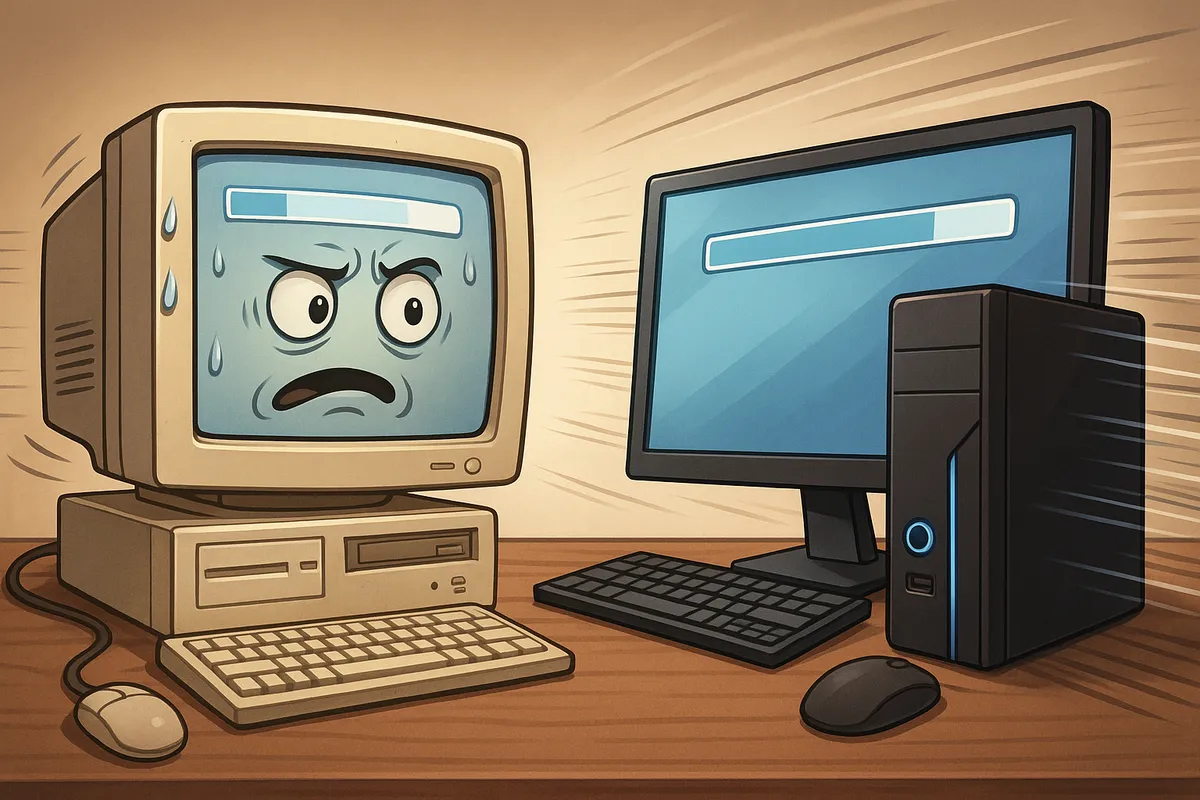
Did you know that clinging to old computers is costing you weeks of productive time?
A major study by Microsoft and Intel found that a single PC over four years old costs a business an estimated 112 hours of lost productive time annually per employee.
This massive time-drain is the equivalent of losing almost three full work weeks every year to slow boot-ups, application delays, and unexpected crashes.
Additionally, research shows that repair and upgrade costs for PCs older than four years are 1.3 times higher than for newer models, with the total cost often exceeding the price of buying a replacement machine.
You are effectively paying more money just to keep a slow, unreliable device barely functioning.
Old hardware also presents a major security risk.
These machines often have to run unsupported operating systems and lack the modern security features needed to defend against current threats. Relying on aged devices leaves your entire network exposed to vulnerabilities that a simple, planned hardware refresh can easily solve.
If you need help figuring out which of your devices you should replace, and which you should keep, reply to this email and we’ll help you out.
THE GADGET OF THE MONTH

If you’re struggling to find quiet time when you need it, you need the Bose QuietComfort Ultra Headphones.
These are easily the best in class for active noise cancellation (ANC), using advanced processing to completely shut down the world. They create a pocket of silence that lets you finally get into deep work, whether you’re at your kitchen table or sitting on a train.
What makes them perfect for communication is their mic system. It’s specifically engineered to isolate your voice, ensuring that when you jump on a video call, your colleagues hear you clearly, and not your dog barking at home or the coffee grinder at the cafe. They are also incredibly comfortable for all-day wear and feature Bose’s signature Immersive Audio.
THE BOOK OF THE MONTH
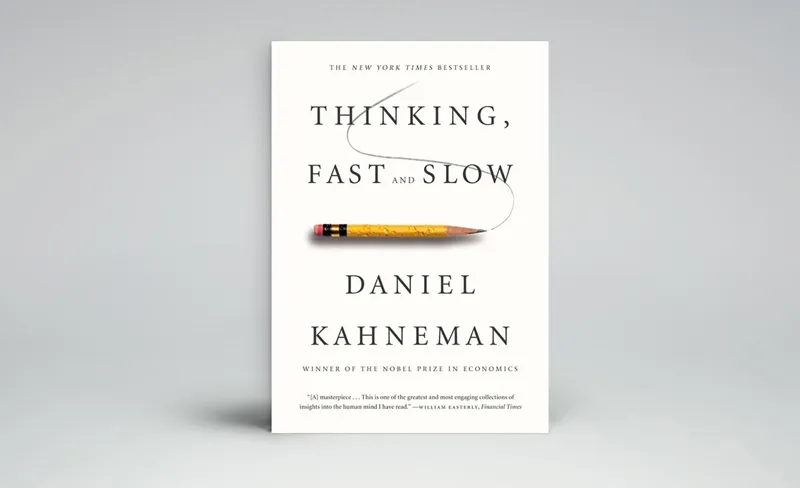
If you’ve ever wondered why your intuition sometimes leads you astray, Thinking, Fast and Slow offers the answer.
Nobel Prize-winning psychologist Daniel Kahneman breaks down the two systems that shape every decision you make: System 1 (fast, intuitive, and emotional) and System 2 (slow, deliberate, and logical).
Through decades of research, Kahneman uncovers the mental shortcuts and biases that shape our choices, from overestimating success on new projects (the planning fallacy) to fearing losses more than valuing gains (loss aversion). His insights reveal how these patterns influence everything from business strategy to everyday judgment.
If you want to understand why customers behave unpredictably or why confidence sometimes clouds judgment, this book gives you the tools to see your own decision-making more clearly and to know when to trust instinct and when to pause for analysis.

DID YOU KNOW?
The QWERTY keyboard you use every day was intentionally designed to be slow. It was created for early mechanical typewriters, where rapid typing caused the keys to jam. The strange layout was specifically chosen to reduce typing speed and prevent those mechanical failures.
Thanks for reading!
My team and I put this newsletter together to share tech advice that’s actually useful, and (hopefully) even fun to read 🙂
When we’re not writing these, we’re helping businesses like yours become more secure and stay productive without all the tech headaches.
If you ever need a professional opinion on anything IT related, simply reach out and let me know.
We’re here to help 🙂