
March 2026 issue
How to stop leaking private data by accident
A little late to send out this month’s newsletter but here it is!
We all worry about hackers breaking in, but we rarely worry about what we are sending out.
Every day, business owners accidentally email sensitive internal data to clients and competitors. The files you send often contain a layer of invisible data that reveals more than you realize.
In today’s email, I’m showing you how to stop your documents from leaking private details you didn’t intend to share.
You’ll also find a quick way to lock your PDF forms, a reality check on your password length, and a travel gadget that doubles your screen space anywhere.
So grab your favorite beverage, get comfy, and let’s dig in.
THE BIG IDEA
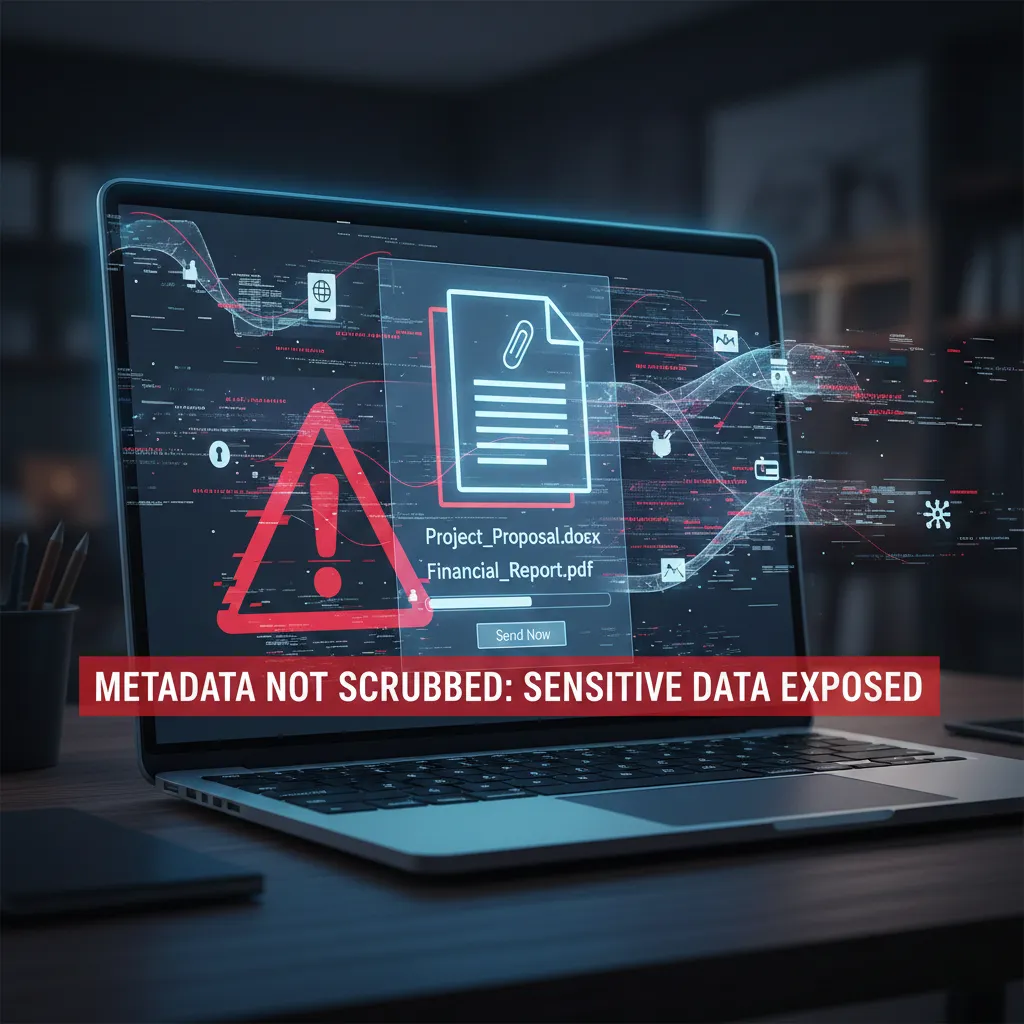
How to Stop Leaking Private Data in Your Attachments
When you email a file-whether it is a Word document, a PDF, or a photo-you are sending more than just the content you can see.
You are also sending metadata.
Metadata is the “digital fingerprint” hidden in the background of a file. It records who created it, when it was edited, what software was used, and sometimes exactly where the file was created.
Historically, ignoring metadata has led to massive security failures.
In 2005, the BTK serial killer Dennis Rader was caught because he sent a floppy disk to the police. The Microsoft Word metadata on that disk listed the author as “Dennis” and the organization as his local church.
Similarly, in 2012, Vice magazine accidentally revealed the location of John McAfee, who was on the run from authorities. They posted a photo of him without scrubbing the file first. The image’s EXIF data contained the exact GPS coordinates of his location in Guatemala, leading to his arrest.
While you likely aren’t running from the law, accidental data leaks can damage your negotiations or client trust.
If you send a proposal to a prospect without cleaning the file, the metadata can reveal previous versions of the document, internal “Track Changes” comments you thought were hidden, or the exact date and time the file was actually created.
Fortunately, removing this data is simple, but you must use the right method for each file type.
For Microsoft Office (Word, Excel, PowerPoint): Go to File > Info. Click Check for Issues and select Inspect Document. If the tool finds “Document Properties and Personal Information,” click Remove All.
For PDFs: Use the “Sanitize” or “Redact” tool inside your PDF editor (like Adobe Acrobat or Foxit). This is the only way to remove deep-level data like revision history or hidden text.
For Photos: On Windows, right-click the image file and select Properties. Go to the Details tab and click Remove Properties and Personal Information to wipe location data.
Make this a standard step before sending contracts or legal documents outside your organization.
THE TECH TIP
Lock Your PDFs
To prevent clients from accidentally editing your PDF contracts or invoices, you should “flatten” the file before sending. Open your document, select Print, choose Microsoft Print to PDF, and save it as a new file. This instantly converts editable fields into static text, locking the content.
THE LATEST NEWS
🪟 Windows 10 ESU Update Breaks Legacy Hardware
If you are paying for Windows 10 Extended Security Updates, be careful with the January 14 patch (KB5073724). Users report it automatically removes legacy modem drivers and can break MSMQ services. If possible, skip the headache and upgrade to Windows 11; if not, test this update in isolation before rolling it out.
🤖 Nvidia Pushes “Physical AI” at CES
At CES this month, Nvidia CEO Jensen Huang unveiled “Cosmos,” a new foundation model designed specifically for robots and machinery. This marks a major industry shift from “Generative AI” (which writes text) to “Physical AI” (which understands physics and movement). Expect to see smarter, more autonomous robotics in manufacturing supply chains later this year.
⚠️ AI Writes Its Own Malware
Security researchers have discovered “VoidLink,” a new strain of Linux malware that appears to have been written almost entirely by an AI agent. The code follows a “spec-driven” development process, proving that hackers are now using the same AI productivity tools as legitimate developers to accelerate their attacks.
THE INTERESTING STATISTIC
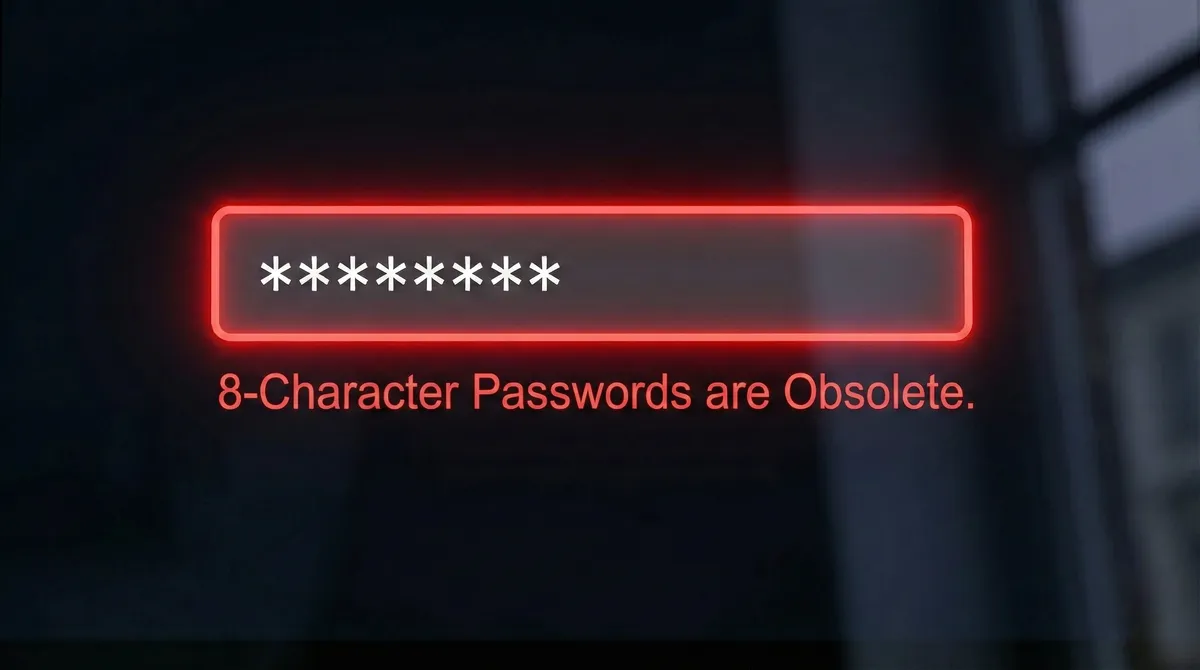
8-Character Passwords Are Obsolete
For years, we’ve been told that “8 characters with a symbol” was safe.
That is no longer true.
According to the 2025 Hive Systems Password Table, a hacker using modern hardware can now crack an 8-character lowercase password in just 57 minutes. Even with numbers and symbols added, short passwords are often broken in days.
The most effective defense today is length.
A password over 14 characters takes exponentially longer to crack than a short one, regardless of how many special characters you add.
Prioritize making your passwords longer rather than just more complex.
THE GADGET OF THE MONTH

Traveling with a laptop usually means sacrificing screen space. The ThinkVision M14t Gen 2 solves this. It is a 14-inch portable touchscreen monitor that weighs just 0.7kg (1.5 lbs) and connects via a single USB-C cable.
Because it draws power directly from your laptop, you do not need an external power brick. It fits easily in a standard laptop bag, allowing you to maintain a full dual-monitor setup for spreadsheets or presentations, even when working from a hotel room or coffee shop.
THE BOOK OF THE MONTH

Shane Parrish argues that we spend most of our time on “autopilot,” reacting to problems rather than reasoning through them. In Clear Thinking, he breaks down the biological instincts that lead to poor outcomes-like ego, social pressure, and emotion-and offers tools to neutralize them.
The book focuses on “positioning”: the art of putting yourself in a situation where the right choice is obvious and easy. This is a practical manual for building a business that is resilient rather than reactive.

DID YOU KNOW?
Despite the name “The Cloud,” 99% of international data travels through cables on the ocean floor, not satellites. These fiber-optic lines are often only as wide as a garden hose and are so fragile that they have to be reinforced with Kevlar because sharks occasionally bite them.
Thanks for reading!
My team and I put this newsletter together to share tech advice that’s actually useful, and (hopefully) even fun to read 🙂
When we’re not writing these, we’re helping businesses like yours become more secure and stay productive without all the tech headaches.
If you ever need a professional opinion on anything IT related, simply reach out and let me know. If you want to book a meeting to chat, here is our calendar
We’re here to help 🙂