September 2025 issue
5 Microsoft Tools you’re probably paying for (but not using)
Microsoft 365 does a pretty good job of hiding some of its best features.
You’re probably using Outlook and Word daily… but what about the other tools that come bundled with your subscription?
Most businesses are paying for way more than they’re actually using, and missing out on tools that could automate tasks, clean up processes, or make collaboration a whole lot easier.
This month, we’ll show you five hidden Microsoft 365 apps that could save your team hours every week (no new software required).
You’ll also see why remote wipe on your mobile devices could save you from serious headaches, discover how to boost your productivity (and relieve back pain) at the same time, and explore a book that makes managing your team easy.
So grab your favorite beverage of choice, get comfy, and let’s dig in.
THE BIG IDEA

5 Microsoft Tools You’re Probably Paying For (But Not Using) 😅
Microsoft 365 includes a lot more than just Word, Excel, and Outlook.
But if you’re like most business owners, you stick to what’s familiar and overlook the rest, missing out on features that could make a real difference to your day-to-day life.
These underrated tools can speed up your work, reduce friction, and even cut costs… without you spending a penny more.
Here are five you might want to start using:
1. Microsoft Forms
Microsoft Forms helps you create quick surveys, client intake forms, internal polls, or even simple quizzes for staff training.
Responses get logged straight into Excel, and it works seamlessly with Teams and Outlook.
Most businesses don’t realize how useful this is for standardizing feedback, capturing pre-call information, or doing staff check-ins.
You can even use it to collect RSVPs for an event or pulse-check morale in your team.
Use cases:
-
Get structured client feedback after each project.
-
Create an IT issue report form for staff.
-
Send a monthly “How’s your workload?” survey to the team.
2. Microsoft Bookings
This is a hidden gem for scheduling, perfect if you have team meetings or client calls.
It syncs with your calendar and lets people book available times without the back-and-forth.
You can customize time slots, add buffer times between meetings, and even create different booking pages for different services.
Use cases:
-
Let prospects book discovery calls directly from your website.
-
Set up a page for staff to book 1:1s with their manager.
-
Offer clients a calendar to book support sessions without emails flying back and forth.
3. Microsoft Visio
Microsoft Visio is a powerful diagramming tool that makes it easy to map out processes, org charts, networks, and many other things… even if you have zero design experience.
It’s part of the Microsoft 365 ecosystem, so you can pull in data from Excel, collaborate in Teams, and embed diagrams into Word or PowerPoint.
Use cases:
-
Create a visual SOP for onboarding new staff.
-
Map out your sales or service delivery workflows to find bottlenecks.
-
Build a network diagram to show how your systems are connected.
4. Microsoft Stream
Think of this tool like a private YouTube for your company.
You can upload training videos, meeting recordings, or explainers, and control exactly who sees what.
It’s brilliant for onboarding, repeatable how-tos, and even capturing customer insights. And it integrates with Teams, so you can access videos directly from chat or meetings.
Use cases:
-
Record how to submit expenses or file tickets.
-
Share quarterly update videos from leadership.
-
Build a video-based training library for new hires.
5. Microsoft Loop
Microsoft Loop is like a hybrid between Notion and Teams. You can create real-time collaborative pages where you can embed checklists, tables, notes, and even live-updating content from other Microsoft 365 apps.
It’s perfect for keeping project info in one place without digging through endless attachments or email threads.
Think of it as a workspace for your whole team.
Use cases:
-
Plan projects collaboratively in real time during a Teams call
-
Create a living doc for a sales proposal that updates as things change
-
Share weekly meeting agendas that everyone can update ahead of time
👉 Want help setting any of these tools up? Reach out and I’ll walk you through it.
THE TECH TIP
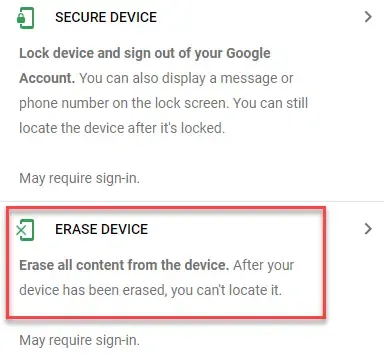
Take some time today to make sure you have remote wipe installed on your mobile devices.
No one plans on losing their phone, but life happens. And if it happens to you, you want to make sure you can erase your data from anywhere, and keep your money and sensitive information safe.
With Microsoft 365, you can set this up across your whole team’s devices, giving you a simple way to protect company data if a phone ever goes missing.
THE LATEST NEWS
⚠️ Co‑op Confirms Data of 6.5 Million Members Stolen
UK retailer Co‑op has confirmed a massive breach that exposed the personal data of all 6.5 million registered members, including names, addresses, and contact info. CEO Shirine Khoury‑Haq issued a public apology and is working to bolster the company’s security posture.
⚙️ Copilot Gets Smarter with Teams Chat, Usage Controls, and AI Search
Microsoft is rolling out major Copilot upgrades, including the ability to ground responses in Teams chats and channels using the new “Chats” category in ContextIQ. Admins now have usage-based billing, budget controls, and reporting by group or department. Copilot Search also launched, giving users AI-powered access to files, chats, and bookmarks across Microsoft 365.
🔐 Allianz Life Insurance Knocked by Supply‑Chain Breach
Allianz Life in the U.S. disclosed a major breach impacting around 1.4 million customers and employees. The incident stemmed from a vulnerability in a third-party file-transfer tool (MOVEit), and the Clop ransomware group is suspected to be behind the intrusion. Corporate data and customer details were exposed.
THE INTERESTING STATISTIC
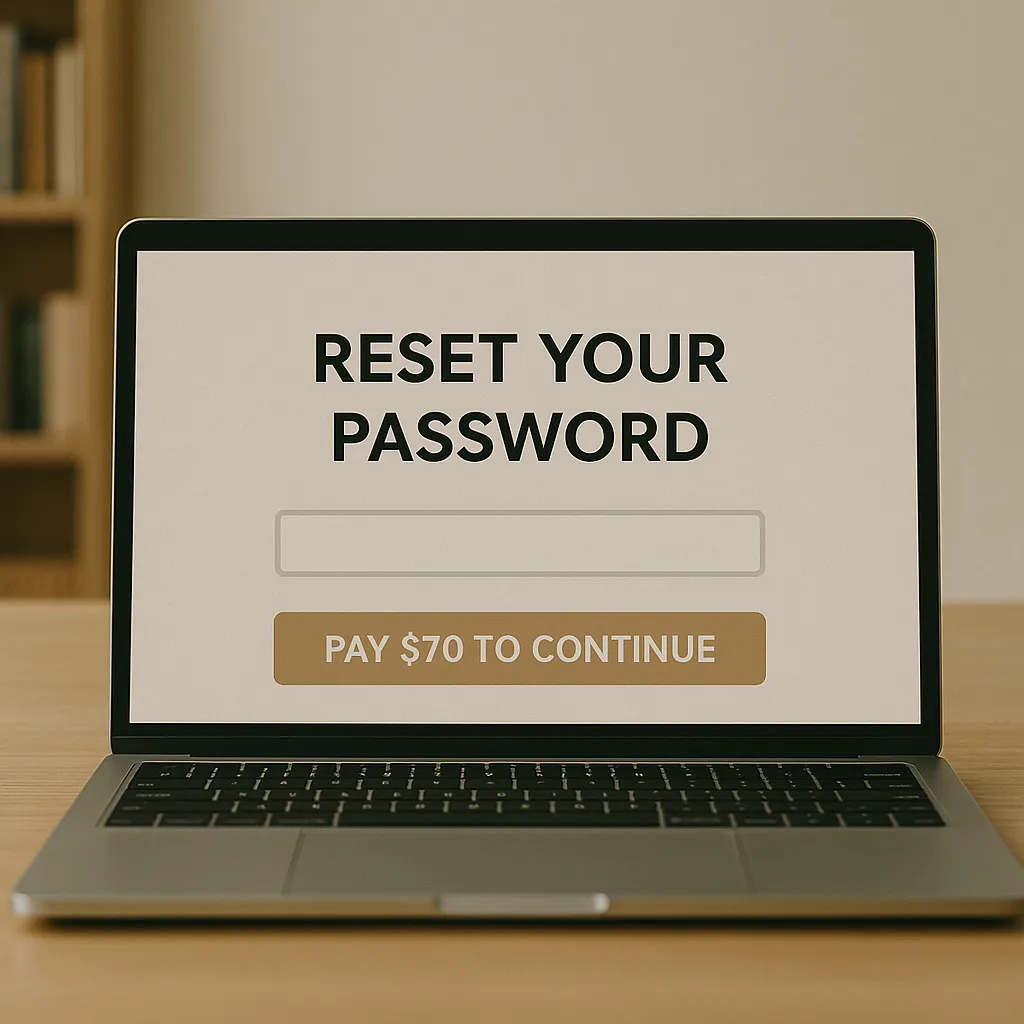
The Average Password Reset Costs $70
Research from Forrester estimates the average password reset costs around $70.
That’s based on the IT person’s time spent sorting it out, and the cost of employees twiddling their thumbs waiting to get back to work.
Now, imagine you’re managing a company with 100 employees.
If each person forgets their password just once a month (and most will), you’re going to waste $84,000 a year on resetting passwords, which is something you absolutely don’t want to do.
Think of all the things you could do with that amount of money.
You could upgrade your tech, get better cybersecurity, invest in revenue-generating assets, or run a team-building event.
Anything is better than spending it on password resets.
And don’t think this doesn’t happen to your business. Analysts at Gartner estimate that 40% of all help desk calls are related to passwords and resets.
So it might be time to seriously consider tools like Single Sign-On (SSO) or secure Enterprise Password Managers for your team.
If you want clarity on where to start with this, reply to this email.
THE GADGET OF THE MONTH

If you care about your comfort, health, and productivity, getting a standing desk for your office is a must.
Even though we’ve somewhat adapted to a “Hunchback of Notre Dame” style of working, it’s not doing us any good.
We were not built to sit down for 8-10 hours each day, and while a few decades ago you couldn’t get around sitting at a chair, today we have the luxury of being able to use standing desks.
And the Uplift V2 is one of the good ones.
It comes with a dual‑motor system that lifts up to 355 lb with ease in just seconds. I doubt you’ll need that much power, but it’s good to have.
Other than that, the construction is rock-solid: a steel frame, more than 25 inches of height range, anti-collision sensors, and an optional commercial-grade version with extra stability and a 15-year warranty.
Bonus: you can customize its entire design.
Get one for your office here. Or do a quick Google search for another option.
The goal is to stop sitting all day, how you do that is not that important.
THE BOOK OF THE MONTH

What does it mean to be a great leader? It’s hard to say.
There are thousands of books on leadership, but very few offer advice worth following.
Leaders Eat Last by Simon Sinek is one of them.
Drawing lessons from the military, business, and biology, this book explains why trust, empathy, and putting your team first are the keys to real leadership.
It’s practical too, showing you exactly how to inspire loyalty, build rock-solid culture, and turn a group of individuals into a team that genuinely has each other’s backs.
If you lead people, or ever plan to, this book might just change how you think about leadership for good.

DID YOU KNOW?
The internet weighs as much as a strawberry.
Believe it or not, the total mass of all electrons making up the internet at any moment equals about 50 grams, roughly the weight of a strawberry! Delicious!
Thanks for reading!
My team and I put this newsletter together to share tech advice that’s actually useful, and (hopefully) even fun to read 🙂
When we’re not writing these, we’re helping businesses like yours become more secure and stay productive without all the tech headaches.
If you ever need a professional opinion on anything IT related, simply reach out and let me know.
We’re here to help 🙂