
August 2026 issue
How hackers steal your phone number
You can have a strong password and still get robbed, because hackers have found a way around it.
They take over your phone number. Once they have it, the security codes that protect your email and bank go to them instead of you.
This month I’ll show you how a SIM swap works and how to lock it down in a few minutes.
You’ll also find a Chrome update worth doing today, why a quarter of logins have ditched passwords, and a simple way to keep your real number private.
So grab your favorite beverage, get comfy, and let’s dig in.
THE BIG IDEA
SIM Swapping: How Hackers Steal Your Phone Number
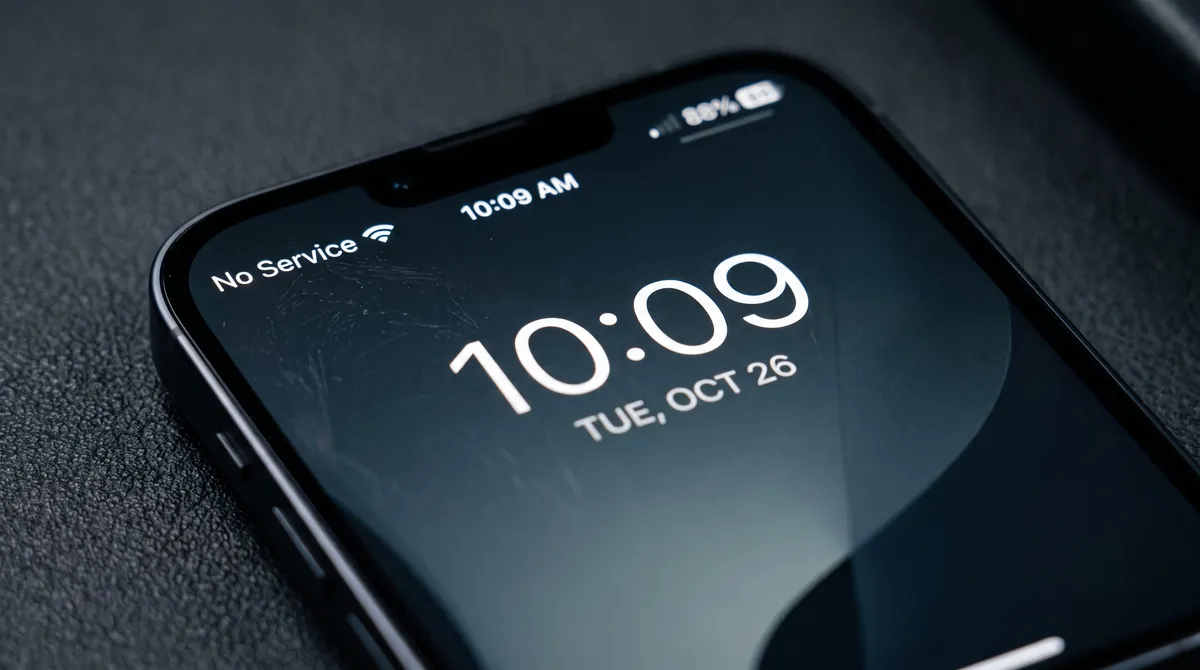
One morning your phone drops to “No Service” and stops receiving calls and texts. You assume it’s a network glitch and you get on with your day.
But across town, someone has just convinced your mobile carrier that they’re you.
They’ve moved your number onto a SIM card sitting in their own phone.
Every call and text meant for you now goes to them, including the security codes that protect your email and your bank logins.
This is a SIM swap. The attacker never touches your password or breaks into a single system. They take over your phone number, then use it to reset everything attached to it.
They start by gathering a few details about you, often pulled from an old data breach or your social media.
Then they call your carrier, claim your phone was lost or damaged, and ask to activate your number on a new SIM. If the agent believes the story, your number is theirs in minutes.
From there, the SMS codes you rely on become their codes (SMS is the text-message system most accounts use to send those one-time login codes). Password reset links and login verifications all land on their device instead of yours.
Researchers at Princeton University tested five major US carriers by posing as customers and trying to move numbers they didn’t own.
They succeeded on 80% of their first attempts, mostly because the carriers were leaning on security questions a motivated attacker could answer.
The losses reported to the FBI run into the tens of millions of dollars a year, and the true figure is almost certainly higher, because most victims report the end result, like a drained account, rather than the phone takeover that caused it.
Your personal mobile number is probably the recovery method for nearly everything you log into, from your Microsoft 365 account to your business bank.
If that one number falls into the wrong hands, a lot can fall with it.
Don’t panic though. This is very fixable, and the setup is quick and free.
-
Lock your number with your carrier.
Every major provider now offers a free toggle that blocks anyone from moving your SIM or porting your number without your say-so.
-
Move your important logins off text-message codes.
For your email, banking, and admin accounts, switch from SMS codes to an authenticator app or a passkey.
Both keep working even if someone steals your number, because the approval happens on your device, not through your phone signal.
-
Add a separate passcode to your carrier account. Most carriers let you set a PIN or passcode that’s required before any change is made to your account. It’s one more wall between an attacker and your number.
Many carriers now send a text or email alert when someone requests a SIM change on your account. If that alert shows up and it wasn’t you, call your carrier right away.
If you’d like a hand checking which of your accounts still rely on text-message codes, or help locking down your team’s numbers, just reply and we’ll walk you through it.
THE TECH TIP
Use a Separate Number for Online Sign-Ups
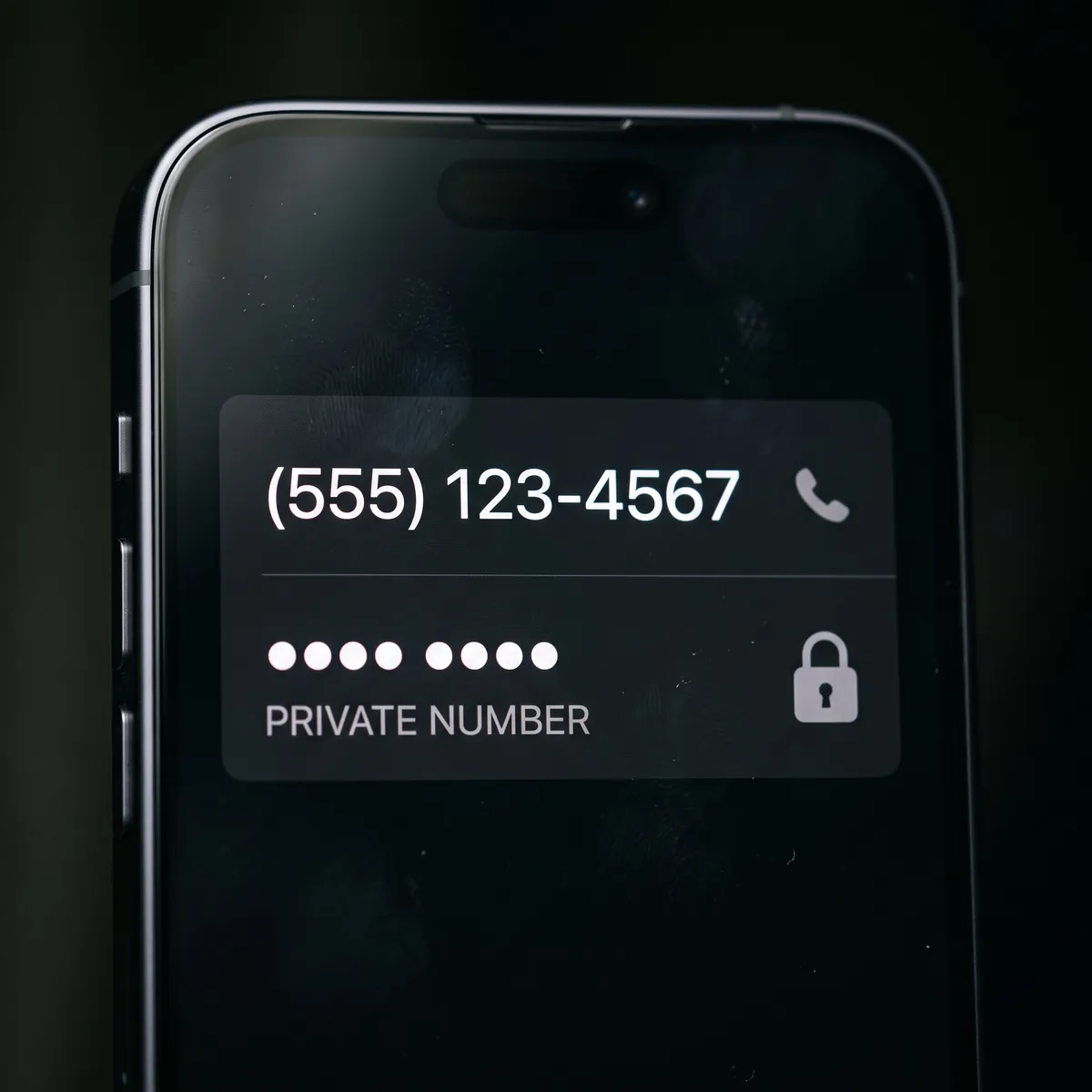
Set up a free second phone number and use that one for online forms and loyalty programs instead of your real mobile. Your real number stays private and off the data-broker lists, which makes it much harder for anyone to use it as a way into your accounts.
THE LATEST NEWS
⬆️ Update Chrome Now: Google Patches a Bug Hackers Are Already Using
Google has rushed out a fix for a Chrome flaw (CVE-2026-11645) that criminals are already exploiting. It’s the fifth time this year attackers have found a serious Chrome hole before Google could patch it, and on this one, simply loading a booby-trapped web page can be enough. Make sure every browser on your team is updated to version 149.0.7827.102 or later, which usually happens on its own once you fully close and reopen Chrome.
🤖 Microsoft’s Copilot Can Now Do Multi-Step Work on Its Own
On June 16, Microsoft made Copilot Cowork generally available across Microsoft 365. Unlike the chat version that answers questions, Cowork takes on longer jobs that span several apps and hands back a finished result instead of a draft. It’s switched off by default, and admins can set firm spending limits per person, so it’s worth deciding how, and whether, your team uses it before the bills start arriving.
🚨A SaaS Breach Shows the Risk Hiding in Your “Connected” Apps
Competitive-intelligence platform Klue was breached in mid-June, and attackers used it to grab the access tokens it held for its customers, the digital keys that let one app connect to another. They then pulled data straight out of those customers’ Salesforce accounts, without cracking a single password, because the app already had permission. It’s a good prompt to check which outside tools you’ve connected to your Microsoft 365 and CRM accounts, and switch off any you don’t use anymore.
THE INTERESTING STATISTIC
More Than a Quarter of Logins Now Skip the Password
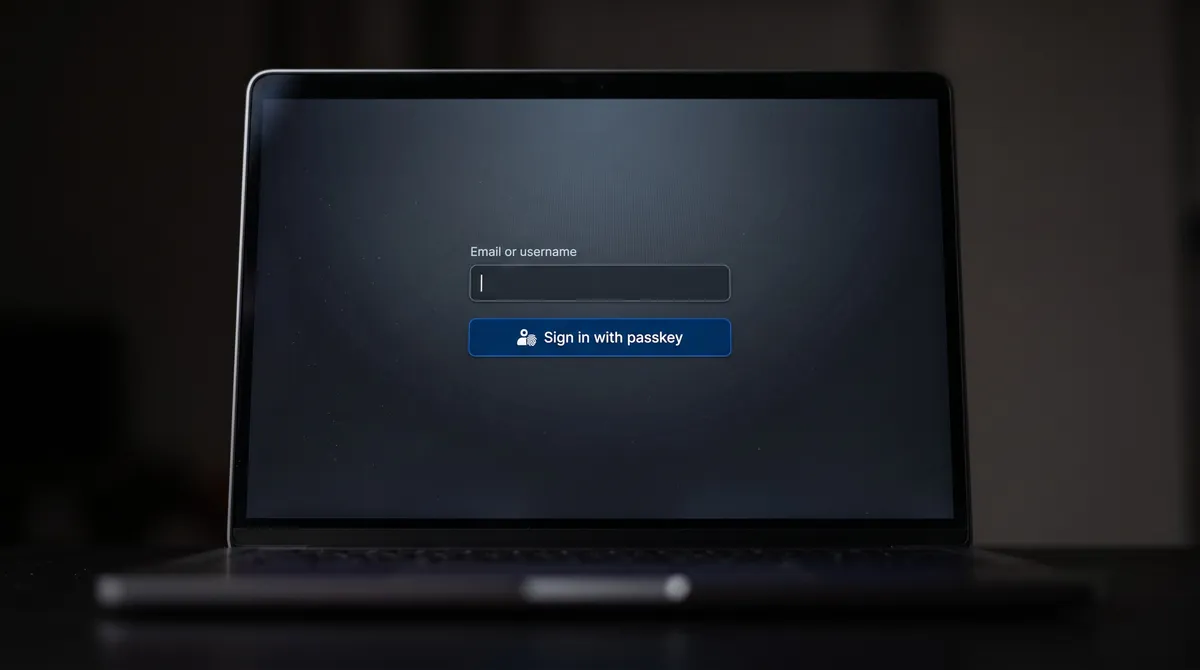
According to the FIDO Alliance’s October 2025 Passkey Index, more than a quarter of all sign-ins (26%) now use a passkey instead of a typed password, and 93% of accounts are already eligible for one.
A passkey lets you log in with your fingerprint or face, so there’s no password to steal.
And because nothing gets texted to you, taking over your phone number won’t help an attacker get in.
You don’t have to switch everything at once, so start with your main email account and your bank, where it counts most.
THE GADGET OF THE MONTH
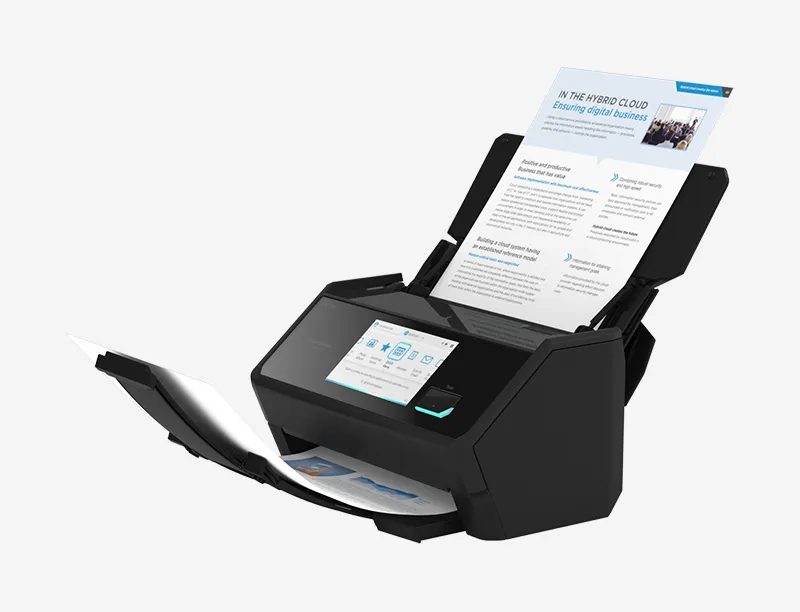
If your office still runs on paper, The ScanSnap iX2500 is the fastest way out of the filing cabinet.
It pulls a whole stack of documents through in one pass, both sides at once, and drops them straight into your cloud storage as searchable PDFs you can find later.
You tap one button on its touchscreen to send receipts to your accountant or push signed contracts into the right client folder. At around $400 it pays for itself the first time you’re not digging through a drawer for an agreement you need now.
THE BOOK OF THE MONTH

Most owners hit a ceiling where the business only grows if they personally work more hours, and Dan Martell’s fix is to buy back your time instead of grinding harder.
He lays out a simple way to spot the low-value tasks eating your week and offload them, starting with the work you dislike most and that costs the least to hand off.
The point is to hire in order to free yourself, so the company stops depending on you for everything. Martell narrates the audiobook himself, which makes it an easy listen on a commute.

DID YOU KNOW?
Most of the internet’s traffic isn’t human.
Automated bots now make up roughly half of all web traffic, according to annual bad-bot reports.
Thanks for reading!
My team and I put this newsletter together to share tech advice that’s actually useful, and (hopefully) even fun to read 🙂
When we’re not writing these, we’re helping businesses like yours become more secure and stay productive without all the tech headaches.
If you ever need a professional opinion on anything IT related, simply reach out and let me know.
We’re here to help 🙂